What Makes a Good Password?
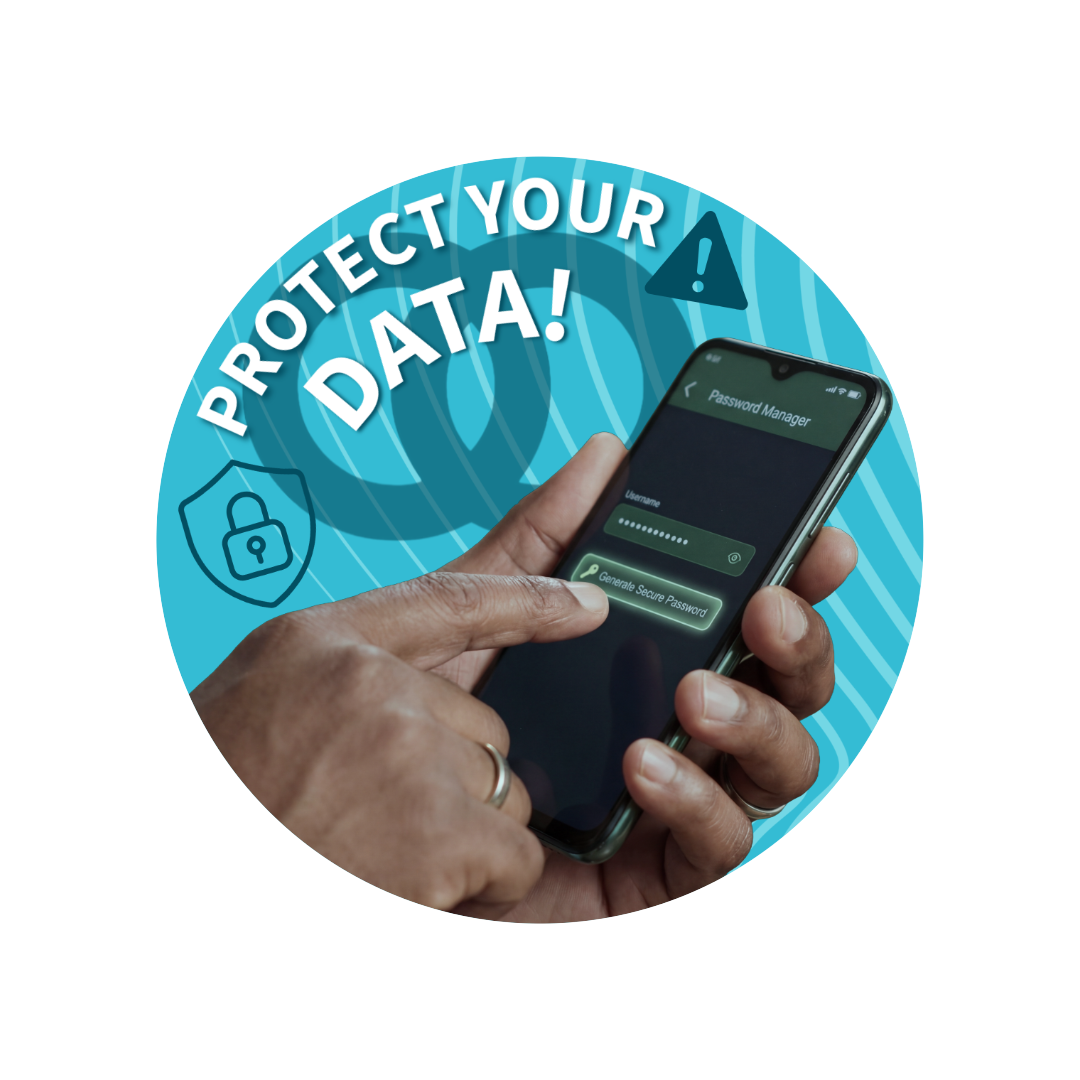
Don’t leave your accounts vulnerable to cyber crime: lock down your logins.
Read this simple guide to know how to keep you passwords strong, and your accounts secure. Plus, learn the benefit of using a Password Manager alongside MFA/2FA.
The 3 Random Words Rule:
The Scottish Government advises using 3 random words when setting passwords, to make them memorable but not easy to guess - a good compromise between protection and usability.
For example: loafaxegoat
However, it is also important that you keep separate passwords for every account.
This way, if one website's security is breached, the rest of you passwords remain protected and your accounts secure.

Even Better...
Use A Password Manager!
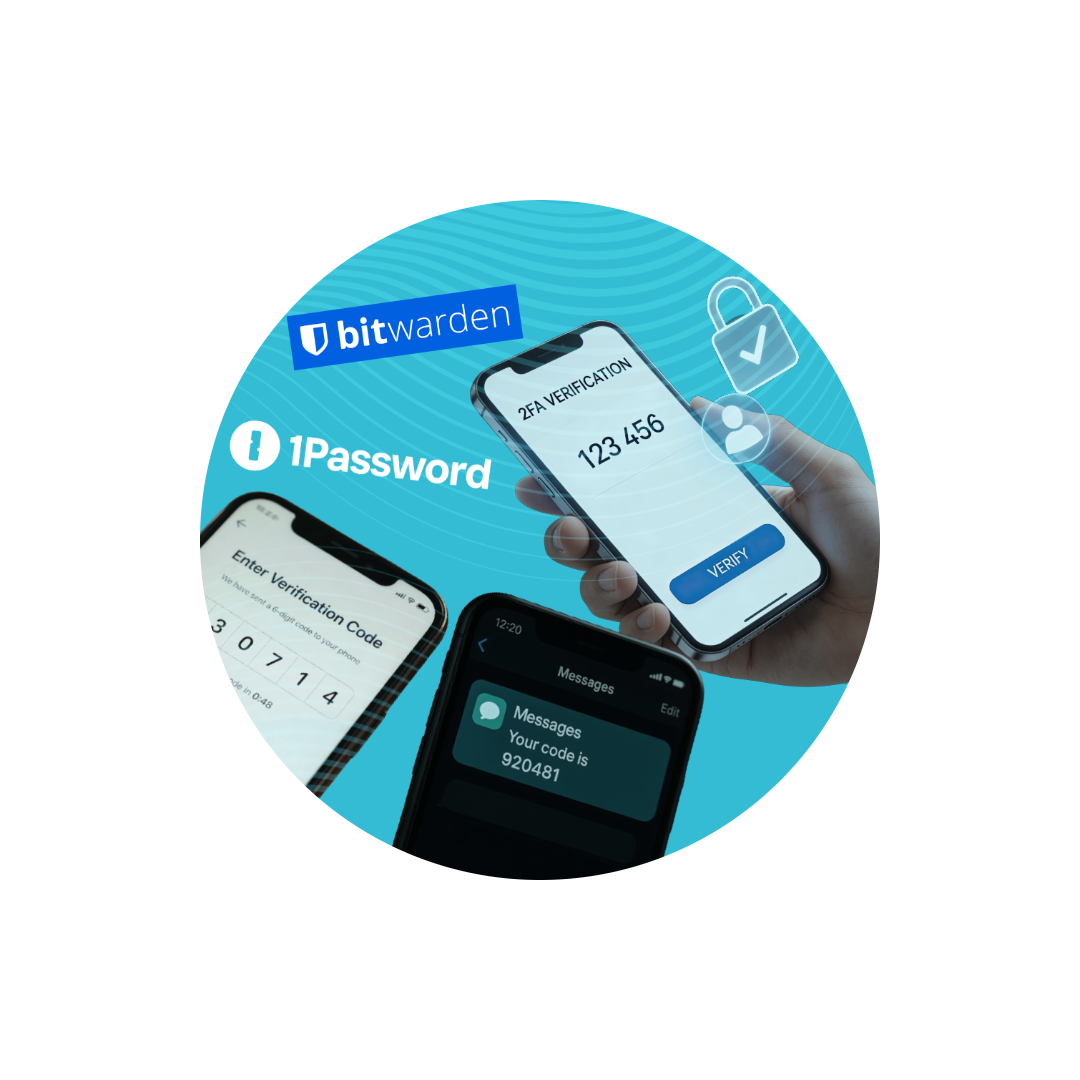
Password managers like Bitwarden or 1Password securely store all your passwords in one place and can generate strong, unique passwords instantly.
Instead of reusing or writing passwords down, you only need to remember one master password.
Most tools can also autofill your logins, making it easier to stay secure without slowing you down.
And Don't Forget...
Always Turn on Two-Factor/Multi-Factor (MFA/2FA)!
Adding an extra layer of security makes a big difference - even if someone gets your password, they won’t be able to access your account without the second verification step.