Cyber Essentials Updates For 2026: What You Need to Know.
From 27 April 2026, Cyber Essentials and Cyber Essentials Plus have been updated.
If a business applies for certification after that date, they’ll be assessed using a new set of rules (called version 3.3) and a new questionnaire called “Danzell.” This replaces the older rules and questionnaire, which were known as “Willow.”
A Summary of the Key Changes:
🔐 MFA is now mandatory
☁️ Cloud services now count fully
⏱ New 14-day update rules
📋 Everything connected to the internet is in scope
🔑 Stronger login methods are encouraged
☝️ Backups are still outside the five technical controls
In Short:
Cyber Essentials now looks at your entire IT environment, especially the cloud.
What These Changes Mean:
1. MFA becomes mandatory for cloud services
The most important change is that multi-factor authentication is now mandatory for cloud services, not merely expected. If a cloud service supports MFA and the organisation has not enabled it, the application will automatically fail. This applies even where MFA is only available as a paid feature, bundled option, or through another service.
For Cyber Essentials purposes, this means services such as Microsoft 365, Google Workspace, Zoho, cloud MDM platforms, ESET Protect Cloud, CRM systems, cloud backup portals and similar online services must be reviewed to confirm MFA is active for all relevant users.

2. Cloud services are always reviewed
The update formally defines cloud services and confirms that they cannot be excluded from Cyber Essentials scope if they store or process organisational data or services. A cloud service is described as an on-demand, scalable service hosted on shared infrastructure and accessible via the internet.
This is important because organisations can no longer treat Cyber Essentials as being focused only on laptops, desktops, firewalls and servers. Cloud administration portals, business applications and hosted data platforms are now clearly part of the assessment boundary.

3. New 14-day update questions
The Danzell question set introduces two important update-related questions:
For operating systems, routers, and firewalls:
Any high-risk or critical security updates must be installed within 14 days of being released.For applications, files, and extensions:
The same rule applies - high-risk or critical updates must also be installed within 14 days.
High-risk or critical security updates and vulnerability fixes must also be installed within 14 days of release
Failure to meet this 14-day rule will result in an automatic assessment failure.

4. The rules around what’s included are stricter
The update clarifies that all specified devices connected to the internet are included. If an organisation wants to exclude a network or part of its infrastructure, it must justify that partial scope to the assessor.
The web application section has also been renamed Application development and now refers to the UK Government’s Software Security Code of Practice.

5. More emphasis on passwordless authentication
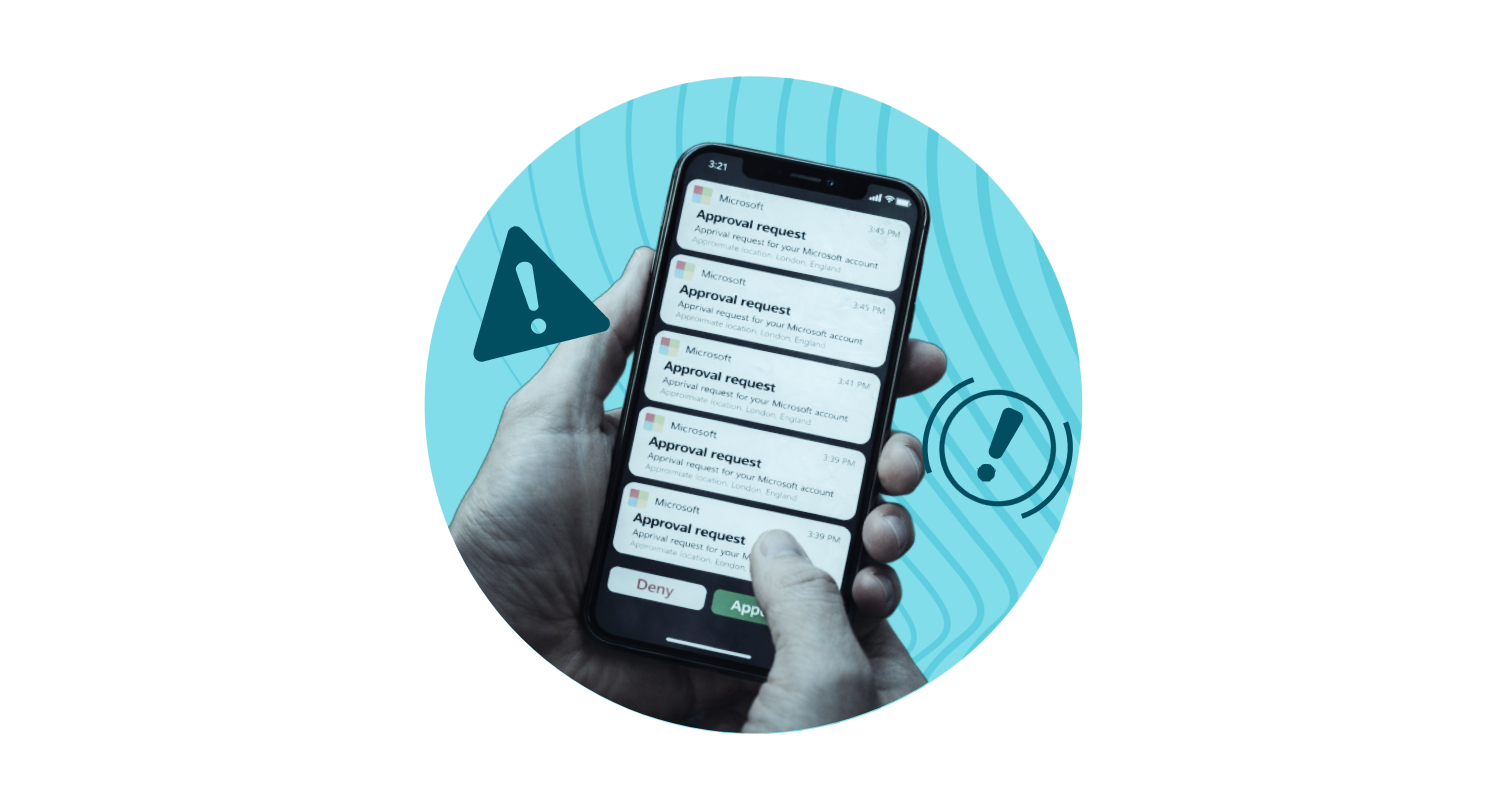
The user access control section now places greater emphasis on MFA and passwordless authentication, including FIDO2 authenticators, biometrics, security keys, tokens, one-time codes, QR codes and push notifications.

6. Backups are still outside the five technical controls
Backups remain outside the five core Cyber Essentials technical controls, but the updated requirements make stronger recommendations around backup good practice. The Cyber Essentials scheme documentation (2026 update / version 3.3) article highlights precautions such as keeping backup copies away from the primary device and disconnecting removable media when not in use.

What This Means for Businesses:
Organisations preparing for Cyber Essentials from 27 April 2026 onwards should focus on:
Enabling MFA on every cloud service used for business.
Reviewing all cloud platforms and listing them properly in the assessment scope.
Proving that critical and high-risk updates are installed within 14 days.
Checking router and firewall firmware update processes.
Ensuring application updates are managed, including browsers, plug-ins, extensions and business software.
Documenting any partial scope exclusions clearly before submitting the assessment.
Considering passwordless sign-in as a stronger long-term approach.