Keep Your Phone Shipshape & Secure - Here's 4 Essential Tips
These days, your phone holds your life...
...that's a huge amount of personal and business information, that makes it a prime target for data theft. Stay one step ahead with these four essential security tips to keep it protected.
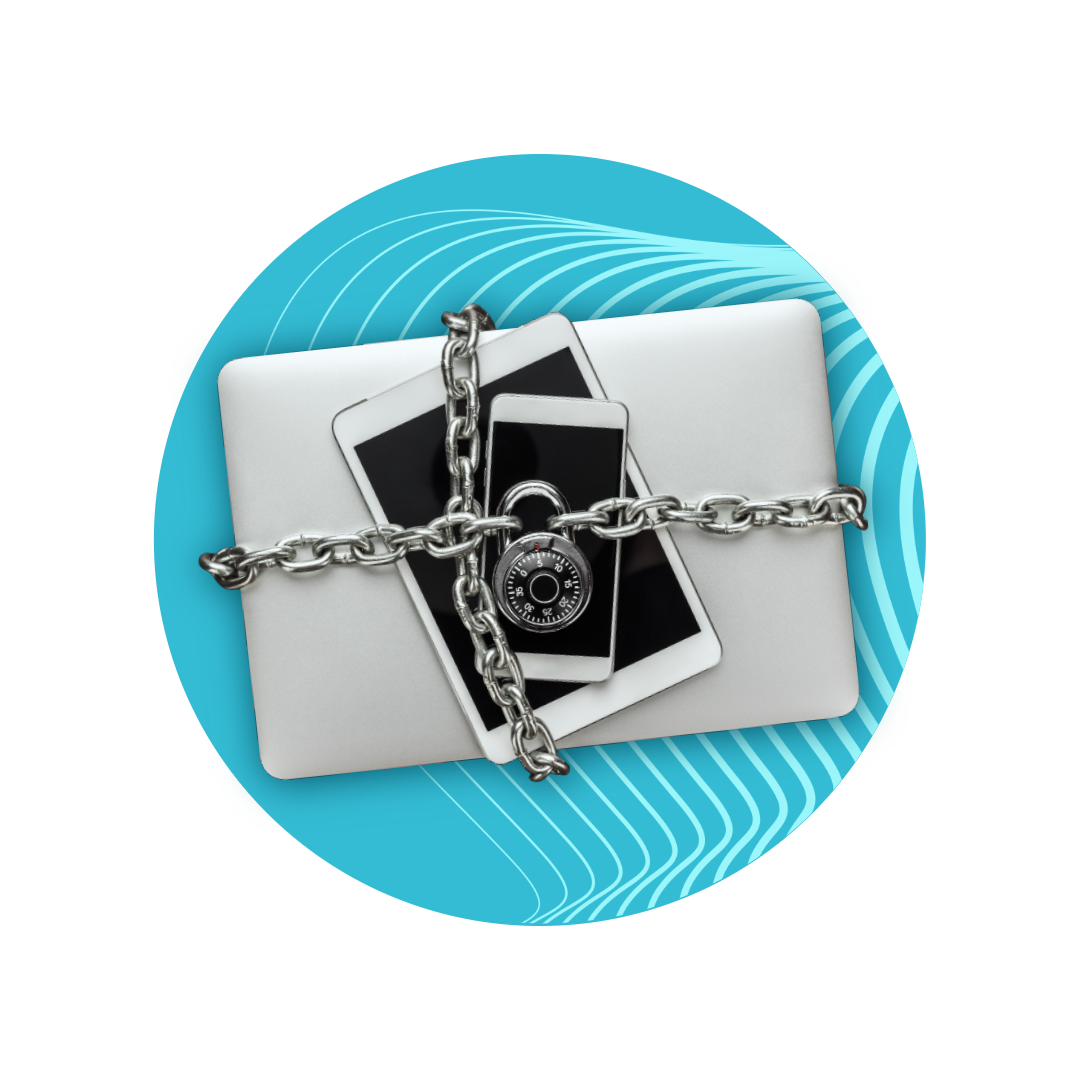
Always Keep Devices Updated
Switch on automatic updates for all iOS and Android devices:
Phone updates include:
Security patches that fix newly discovered vulnerabilities
Protection against hackers, malware, and scams
Bug fixes that improve stability
Better privacy controls and protection.
Think of delaying updates being like knowing your front door lock has a flaw and choosing not to fix it.
Use A Password Manager
Use a reputable password manager such as Bitwarden or 1Password. to store your passwords securely.
A password manager can help you:
Create strong, unique passwords
Avoid reusing the same password across multiple accounts
Store sensitive information more securely than keeping it in notes or contacts
Safely and easily log into accounts across devices
Only download apps from:
Apple App Store
Google Play Store
When accessing banking or other sensitive services, always use the official app or type the website address in yourself. Do not click links from unexpected emails, text messages, or WhatsApp messages.
Always Lock Your Phone Properly
Use Face ID / fingerprint / strong PIN (not 0000, 1234, birthday, year of birth).
Set your phone to lock automatically after a short time.
Don’t store card PINs in Notes or contacts – if you must, use a secure notes feature in a password manager.